Offices
Keep teams informed with screens in the lobby, corridors, and meeting areas. Agendas, announcements, and welcome messages.
Why digital signage in the office
Replace static posters with live content. Show who's in which room, company news, and calendar feeds from Google or Microsoft.
Static posters and notice boards go out of date quickly and rarely reflect real-time availability. With digital signage, meeting room displays can show live calendar data so everyone sees which room is free. Lobby and corridor screens can carry company news, KPIs, and welcome messages, all updated from one place.
Integrations with Google Calendar and Microsoft 365 mean no double entry: your existing calendar is the source of truth. That reduces no-shows, supports hybrid work, and gives visitors a clear, professional first impression.
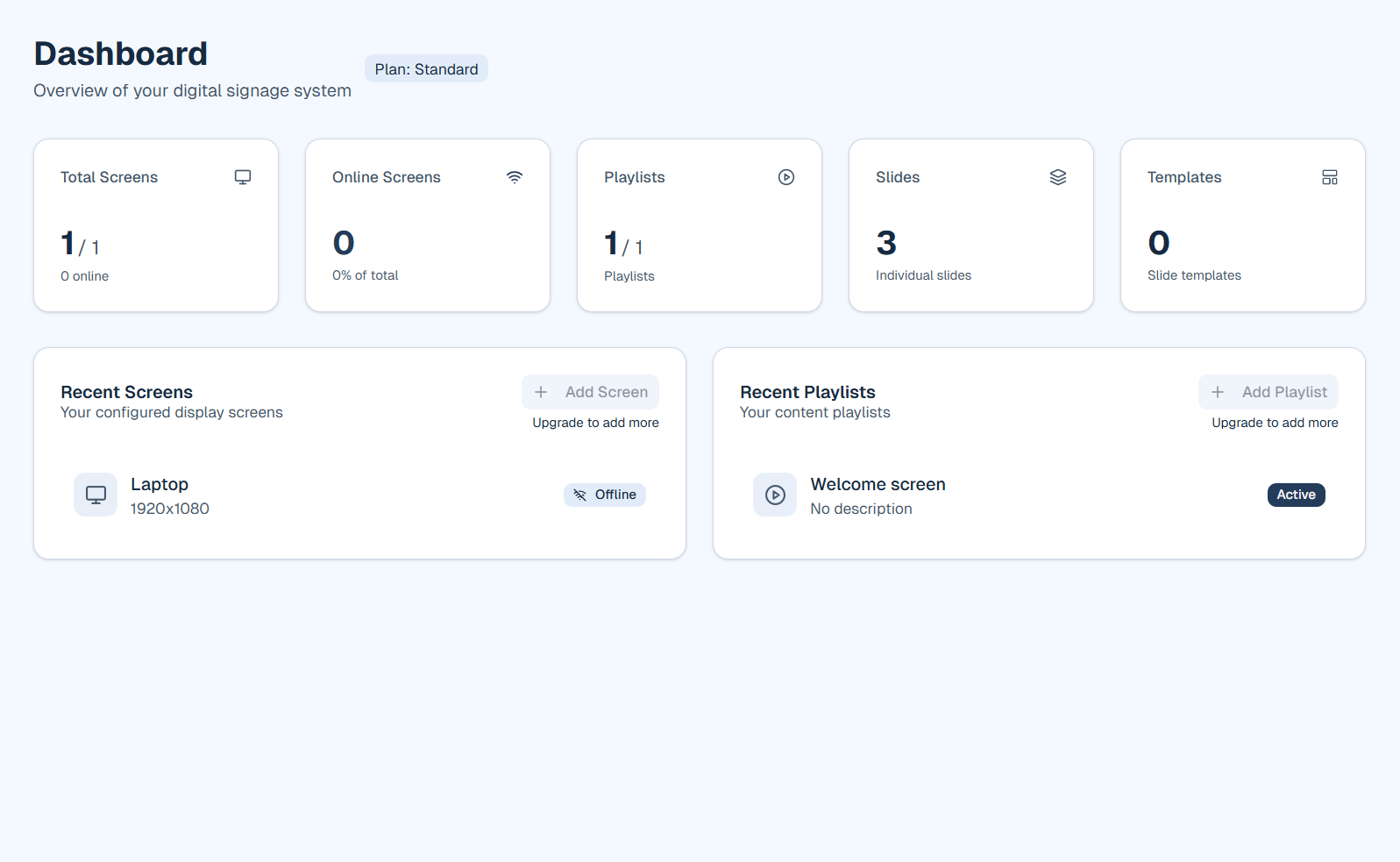
How it looks in firmo
What you can do
Use firmo to turn screens across the office into live communication channels.
- Meeting room signs with today's agenda and occupancy from Google or Microsoft 365
- Company news, HR updates, and event announcements on a rotating playlist
- KPI dashboards and metrics where teams gatherreception, break areas, corridors
- Welcome screens in the lobby with your logo, opening hours, and wayfinding
- Different playlists per floor or building so each area shows relevant content
Key benefits for offices
- Show meeting room occupancy and agendas from Google or Microsoft 365
- Broadcast company news and announcements to all screens
- Welcome visitors with branded lobby screens
- Display KPIs or dashboards where teams gather
Example applications
How to get started
Create an account and connect Google Calendar or Microsoft 365 in Settings. Build a playlist with the calendar widget and any welcome or news slides, then assign the player URL to each screen.
Ready to try firmo for your sector?
Start free or book a short demo. We'll show you playlists, widgets, and screen setup.